
Turn browser clicks into clean PDF guides — without a $35/mo paywall.
QuickQuill records your clicks in Chrome and automatically creates illustrated step-by-step SOPs with one-click Auto-Blur and direct PDF, HTML & Markdown export. No account, no cloud uploads.
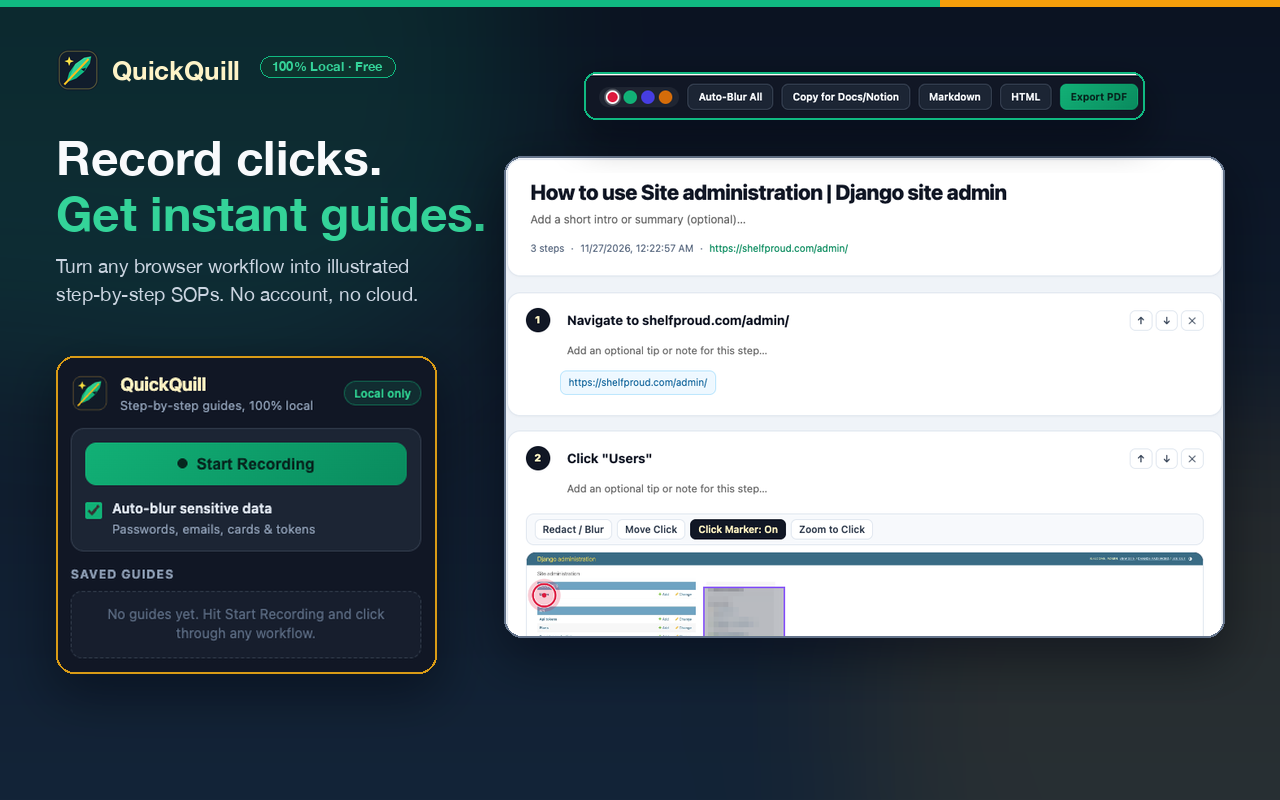
From workflow to polished PDF in 30 seconds
Stop pasting screenshots into docs and drawing red circles by hand.
Click Start Recording
Open any website or internal dashboard, hit Record, and click through your task normally. QuickQuill follows you seamlessly across page navigations.
Auto-Blur & Polish Locally
Hit Finish to open the built-in offline editor. Passwords, emails, and tokens are auto-blurred, and you can drag to redact any region or zoom into tiny buttons.
Export Anywhere for Free
Download a clean custom PDF in one click, export standalone HTML or Markdown, or copy formatted steps straight into Google Docs, Notion, or Gmail.
Everything paid SOP tools lock behind subscriptions — included free
Designed for agencies, freelancers, IT support, QA testers, and ops teams who care about privacy.
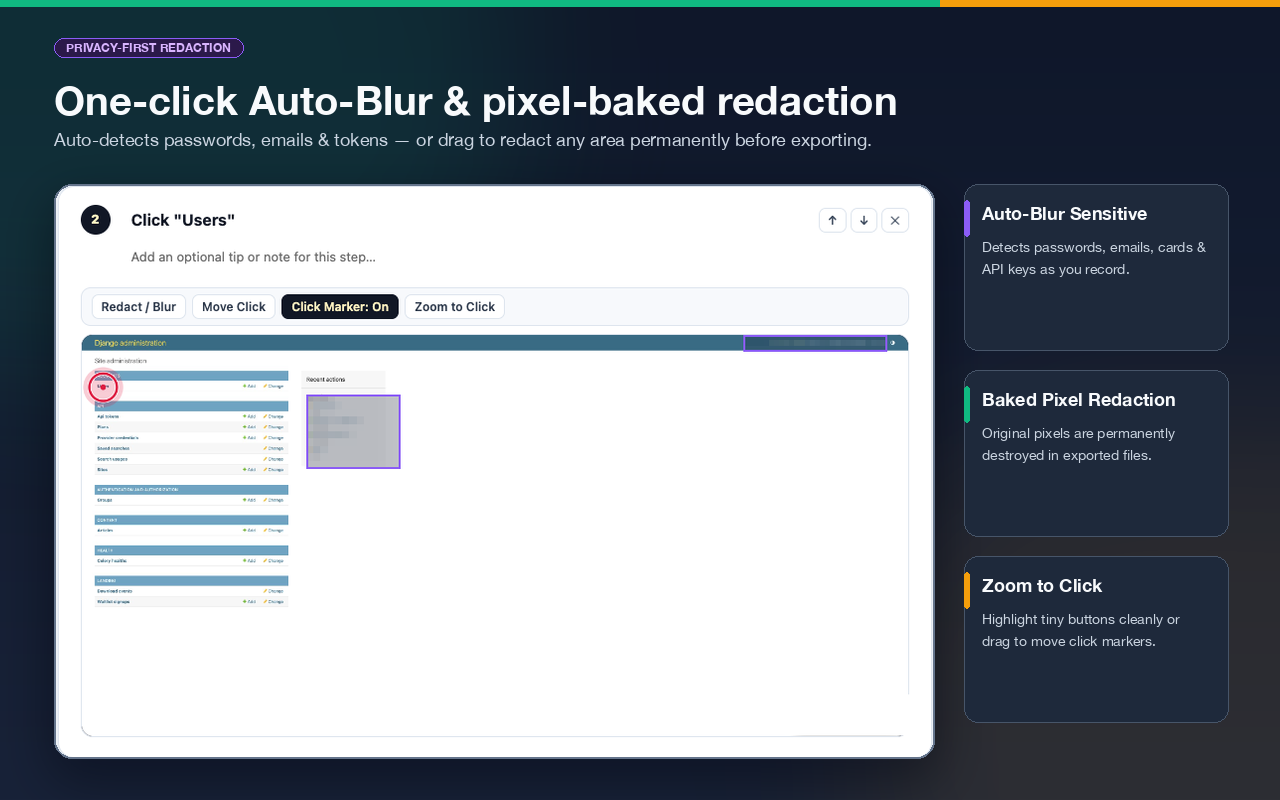
Smart Auto-Blur & pixel-baked redaction
Documenting client portals, admin panels, or billing dashboards? QuickQuill protects sensitive information automatically before you ever share a guide.
- Auto-detects passwords, visible emails, card numbers & API tokens
- Drag on any screenshot to blur extra areas manually
- Pixelation is permanently baked into exported images (unrecoverable)
- Toggle Zoom-to-Click or reposition click markers anytime
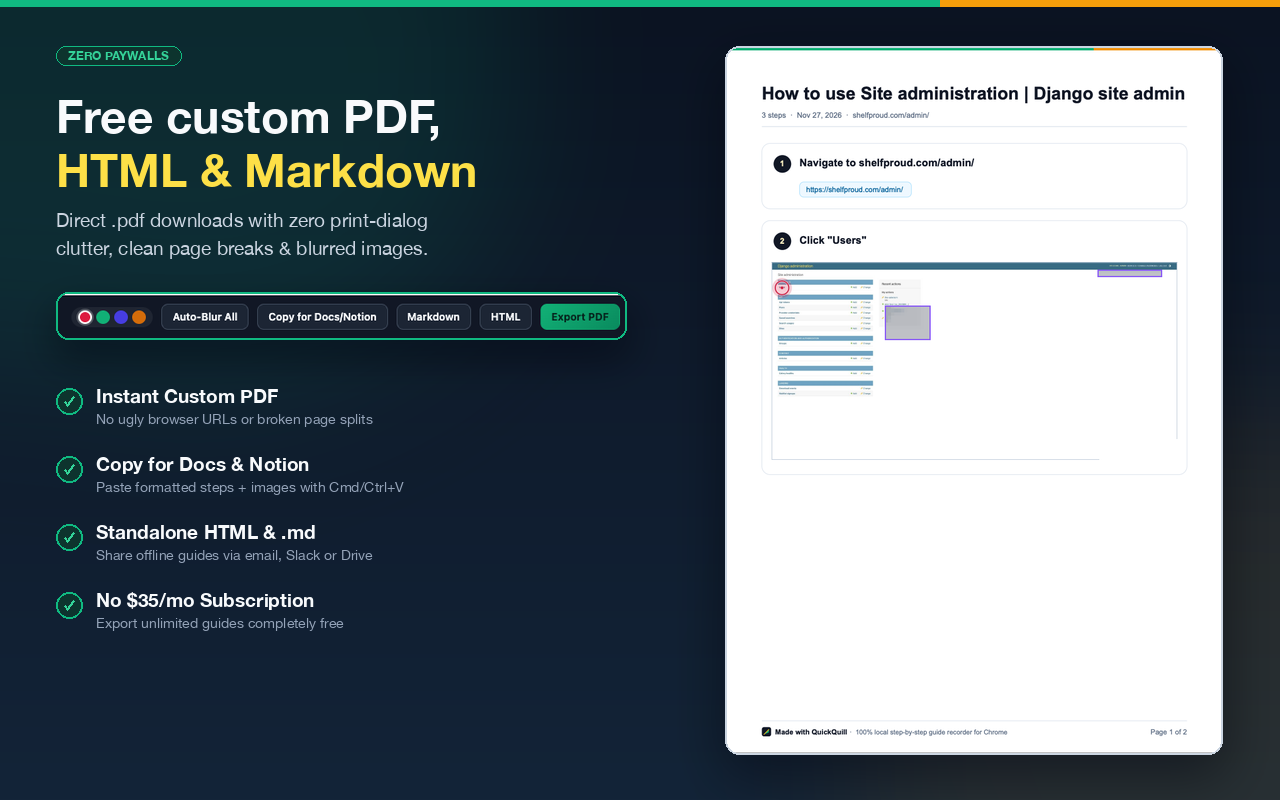
Free custom PDF, HTML, Markdown & Notion copy
No broken browser print dialogs, no ugly URL headers, and no monthly paywalls holding your documentation hostage.
- Direct custom .pdf download with automatic smart page breaks
- Self-contained .html file that opens offline in any browser
- Standalone Markdown (.md) ready for docs & knowledge bases
- One-click Copy for Google Docs, Notion, Confluence & Gmail
QuickQuill vs. $35/mo Cloud SOP Tools
Your internal screenshots shouldn't require a cloud account or a 5-seat minimum contract.
| Feature | QuickQuill (Local) | Typical Cloud SOP Tools |
|---|---|---|
| Direct PDF, HTML & Markdown export | Free & unlimited | $25–$35 / seat / month |
| Sensitive data redaction & Auto-Blur | Included free (baked pixels) | Locked behind Pro / Enterprise |
| Where your screenshots live | 100% inside your Chrome browser | Uploaded to third-party servers |
| Account & sign-up required | None — install and record | Mandatory account & team seats |
| Tracking & telemetry | Zero network requests | Analytics & cloud sync |
Common questions
Does QuickQuill upload my screenshots or guides to any server?
Never. QuickQuill has no backend server, no cloud storage, and makes zero external network requests. Everything stays strictly inside your local Chrome browser storage until you export or delete it.
Is exporting to PDF, HTML, and Markdown really free?
Yes. Every core feature — unlimited local guides, Auto-Blur, manual redaction, Zoom-to-Click, custom PDF export, standalone HTML, Markdown, and Copy for Docs/Notion — is 100% free with no account required.
How does Auto-Blur make sure redacted data can't be recovered?
Instead of hiding text with removable overlays, QuickQuill pixelates blurred rectangles directly on an HTML canvas and bakes the final pixels into your exported PDF, HTML, and Markdown files.
Does QuickQuill run in the background while I browse normally?
No. The click recorder script is never injected during normal browsing. It is injected programmatically only into the single tab you choose after clicking "Start Recording", and removed the instant you click "Finish".